












In a travel agency, a task often does not start in a separate task manager. It starts in a conversation: a guest asks for something, a colleague notices a problem, an owner sends information or reception needs to verify a reservation detail.
The problem begins when that conversation becomes separated from the reservation and the person who needs to act. MyRent Tasks and Team Chat connect communication with concrete operational work.
Why a normal message is not a good enough task
A chat message can explain what happened, but on its own it does not say who is responsible, when something needs to be done, whether the work is finished or which reservation or property it belongs to.
A small team may solve this verbally. In an agency with more staff, properties and daily arrivals, the same approach quickly creates duplicate work, forgotten obligations and repeated searching for context.
MyRent Tasks – operational work stays with the right context
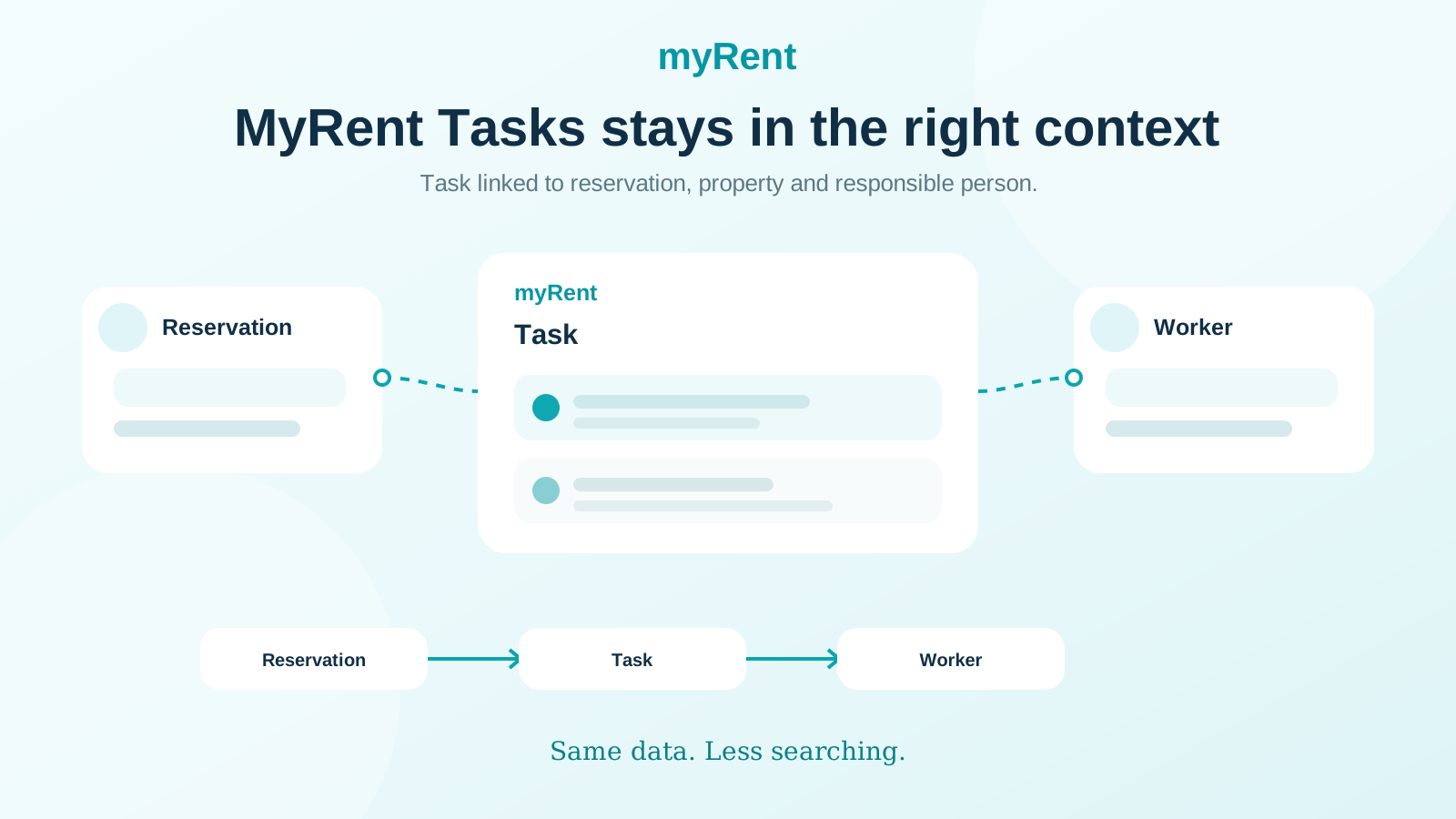
MyRent Tasks lets a task stay linked to the reservation, property, responsible team member and the source it came from. The person receiving the task immediately sees what the task relates to.
- My Tasks, Team, Unassigned and Completed views
- search and filters for larger task volumes
- Overdue, Today and Upcoming grouping
- assignment to a responsible team member
- links to reservation and property
- Complete and Reopen status
- task source preserved: manual entry, Team Chat or other connected communication
The important difference is not that MyRent can store one more note. The important difference is that the task remains connected to the business context in which it was created.
The task stays with its business context: reservation, property and the person responsible for resolving it.
Team Chat – internal communication inside the MyRent workflow
Team Chat is designed for internal team communication about guests, reservations, properties and everyday operations. Direct and group conversations, @mentions, reply, forward, emoji reactions and image sharing are supported.
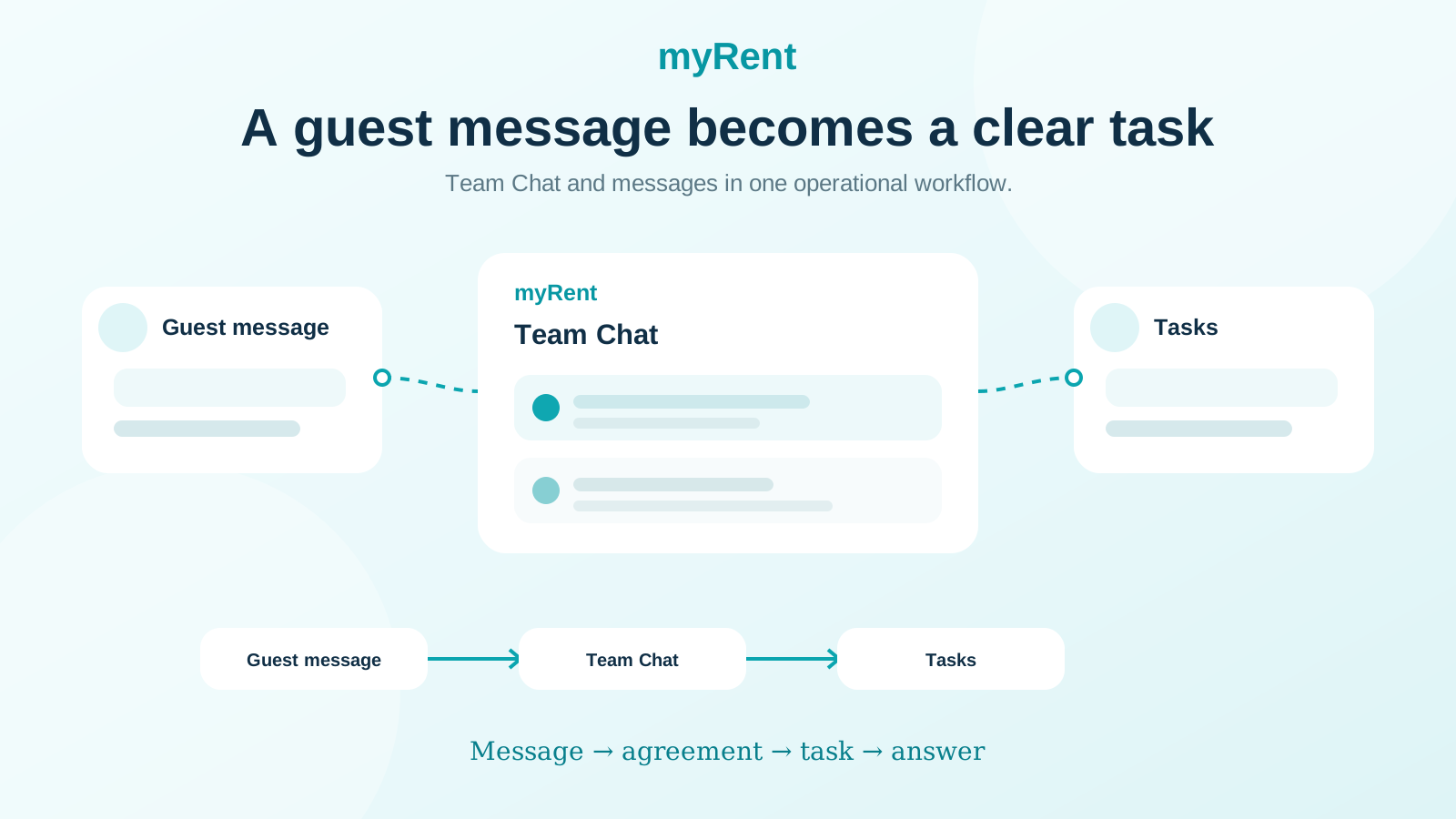
When a conversation results in concrete work, a message can become a Task. Instead of ending as another piece of information someone must remember, the conversation becomes work with an owner and a status.
Example: a guest asks for early check-in
The guest asks whether they can enter the apartment earlier. Before confirming, the team needs to check whether cleaning will be finished in time.
- the guest message provides the initial context
- the team agrees in Team Chat what needs to be checked
- a Task is created from the conversation
- the Task is linked to the reservation and responsible person
- after verification the task is completed
- the team returns to the guest with confirmed information
Communication and operations are no longer two separate worlds. A conversation can become the start of the work, while the reservation remains the place that holds the real guest context.
A conversation can become concrete work without losing the context of the guest and reservation.
Fewer questions: “Who is doing this?” and “Is it already done?”
In larger teams, coordination is often more expensive than the action itself. If several people must check private messages, ask colleagues and reopen a reservation just to discover the status, time is lost on administration around the work.
A Task with a clearly assigned person, reservation link and status reduces the need for those extra checks.
Real-time collaboration further reduces duplicate work
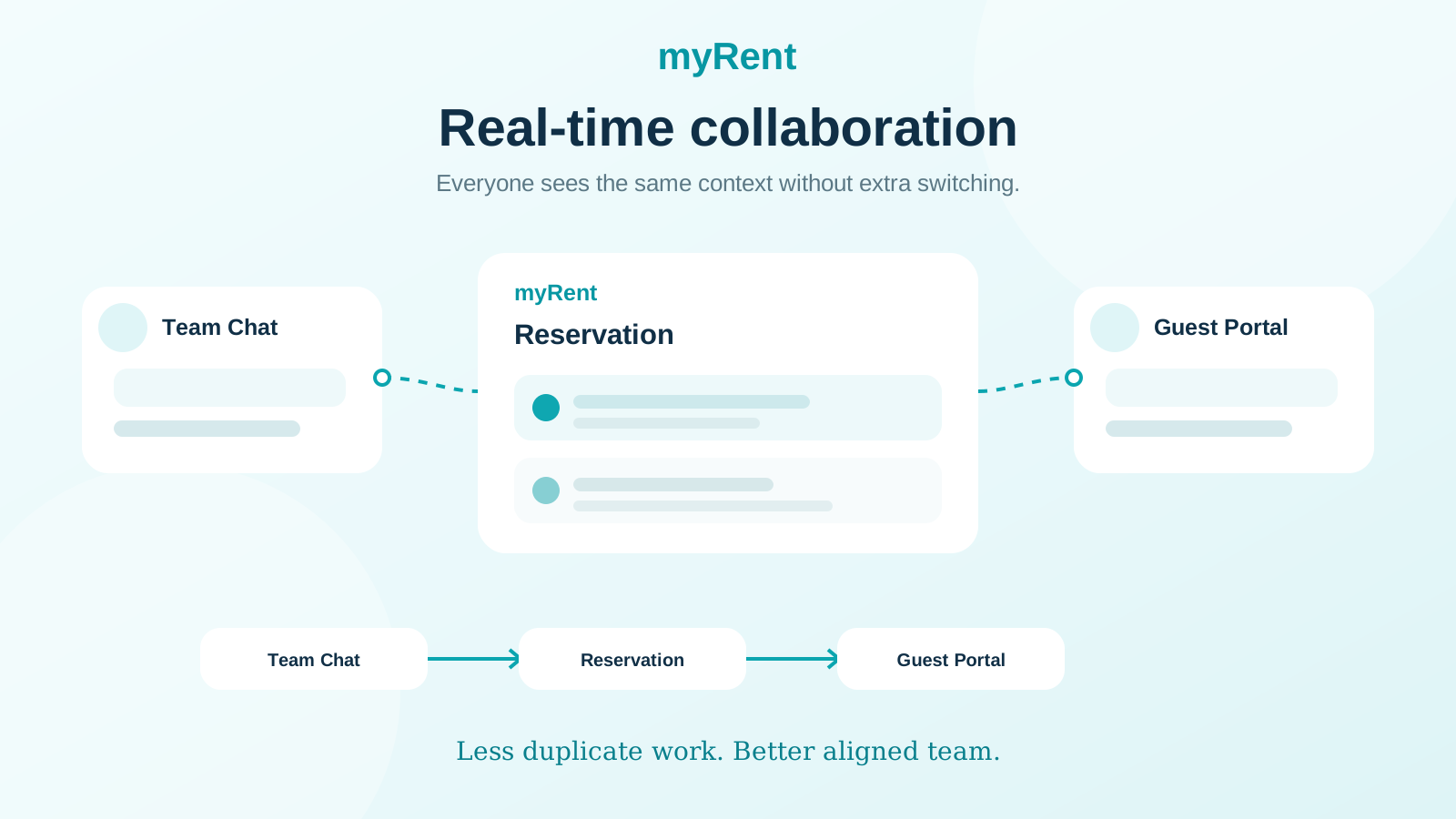
MyRent can show when another team member is working on the same reservation. With Guest Portal presence, the team can also see when the guest is active on their portal. That adds context before changing data or contacting the guest.
Tasks, Team Chat and real-time presence are not three disconnected features. Together they provide a foundation for better team coordination around the reservation.
Real-time presence reduces duplicate work because the team can see who is already working on the same reservation.
Who benefits most from this way of working
- travel agencies with several team members
- teams processing many arrivals and departures every day
- reception and operations working on the same reservations
- agencies that want less coordination through private WhatsApp groups
- teams that want clearer ownership and visibility of completed work
One workflow instead of another standalone tool
The goal is not to add another task manager next to the PMS. The goal is for the task to be created where the business context already exists: next to the conversation, reservation, property and person responsible for resolving it.
That is why MyRent develops Tasks and Team Chat as part of the same operational system that already contains reservations, guests, housekeeping, WhatsApp communication and AI knowledge.
Want to see how it works in practice?
See MyRent for travel agencies or the full September 2026 product update.


